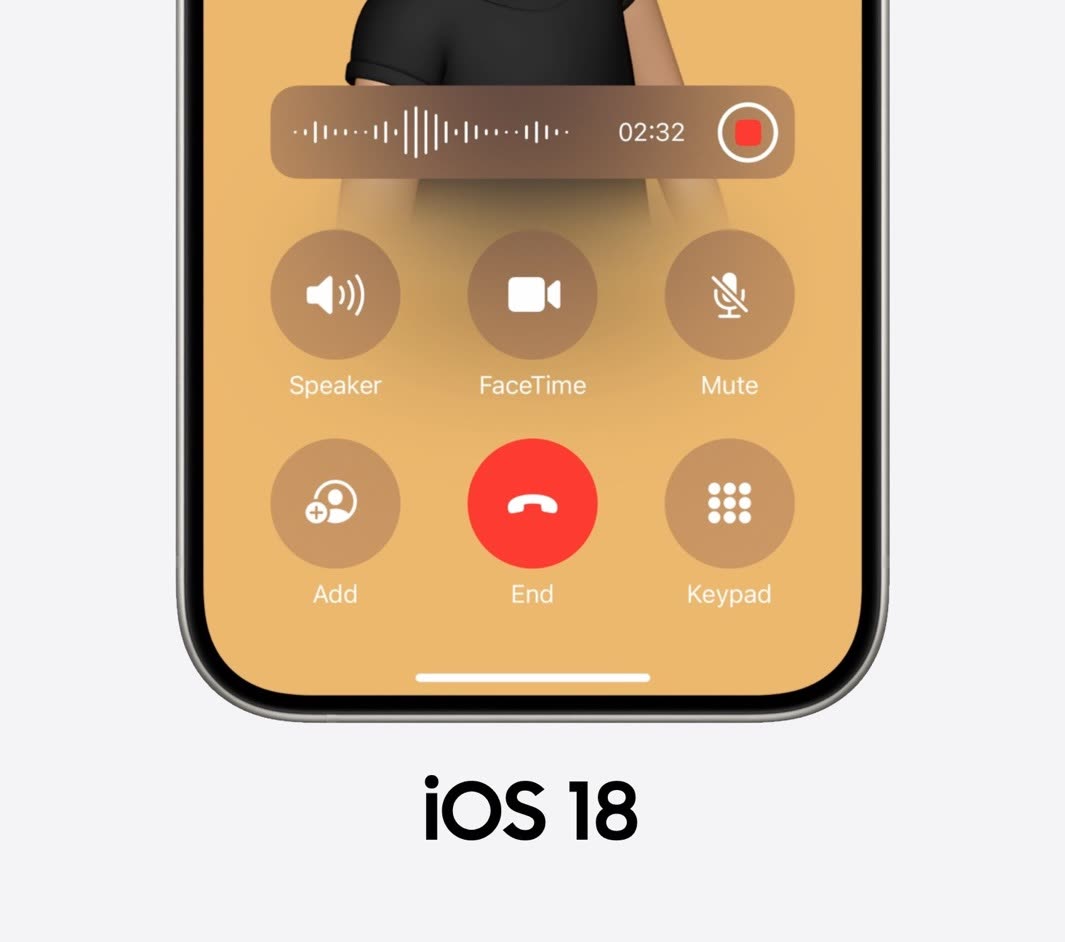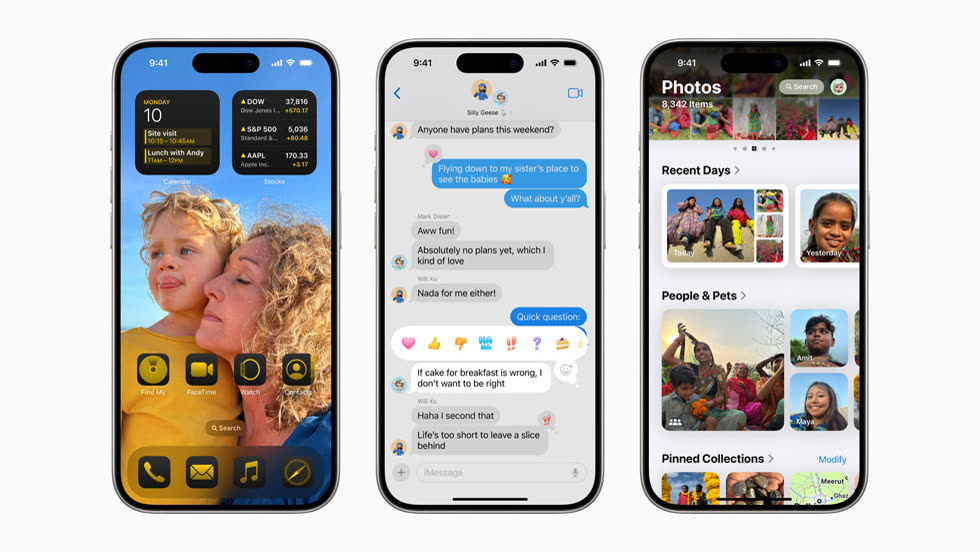
Apple unveiled iOS 18 at WWDC 2024, with more personalisation, new abilities and Apple Intelligence. These are the features I was most excited about.
1. Home Screen customisation
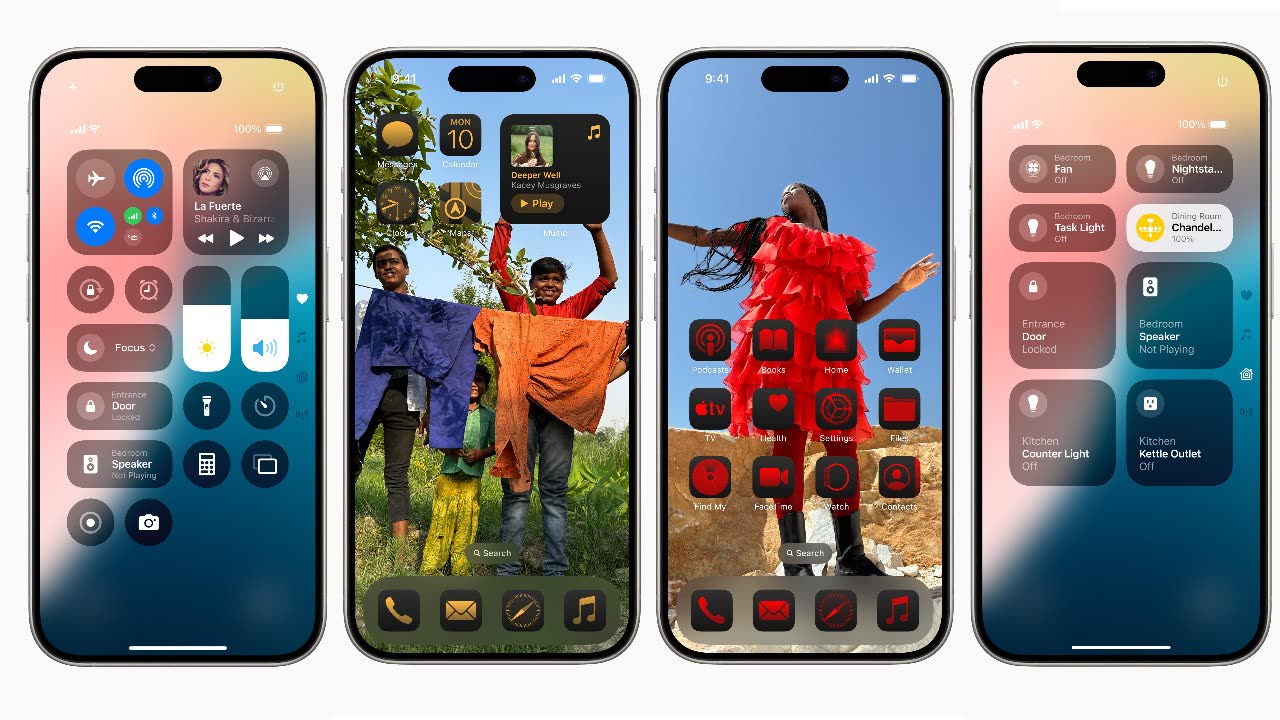
You can now place apps and widgets anywhere on the Home Screen, including above the dock, and change how the icons look. Control Center is redesigned too, with easier access to your favourite controls and support for third-party app controls.
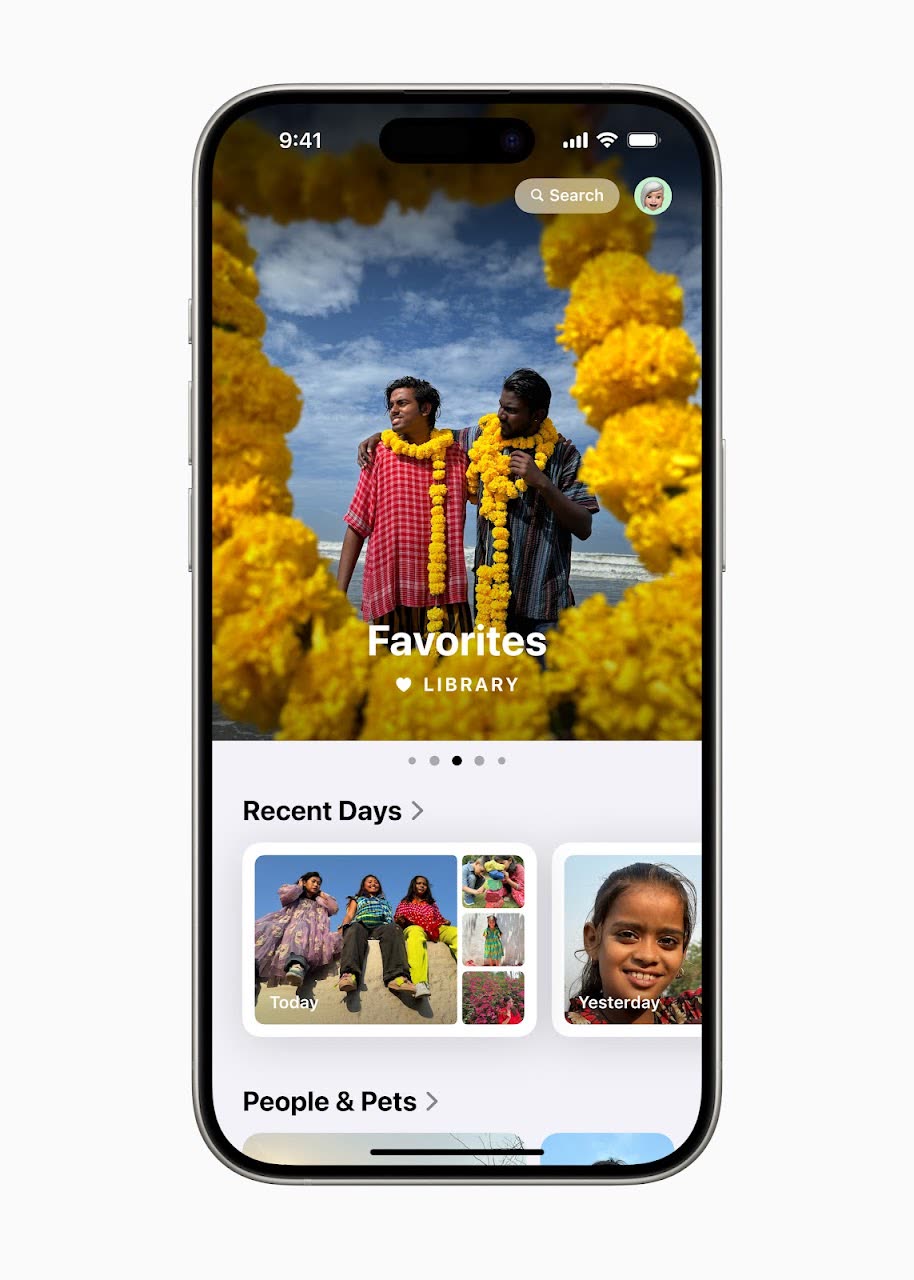
2. A redesigned Photos app
The biggest Photos update yet: a single unified view, new collections that organise your memories, and a carousel that highlights favourite people, pets and places.
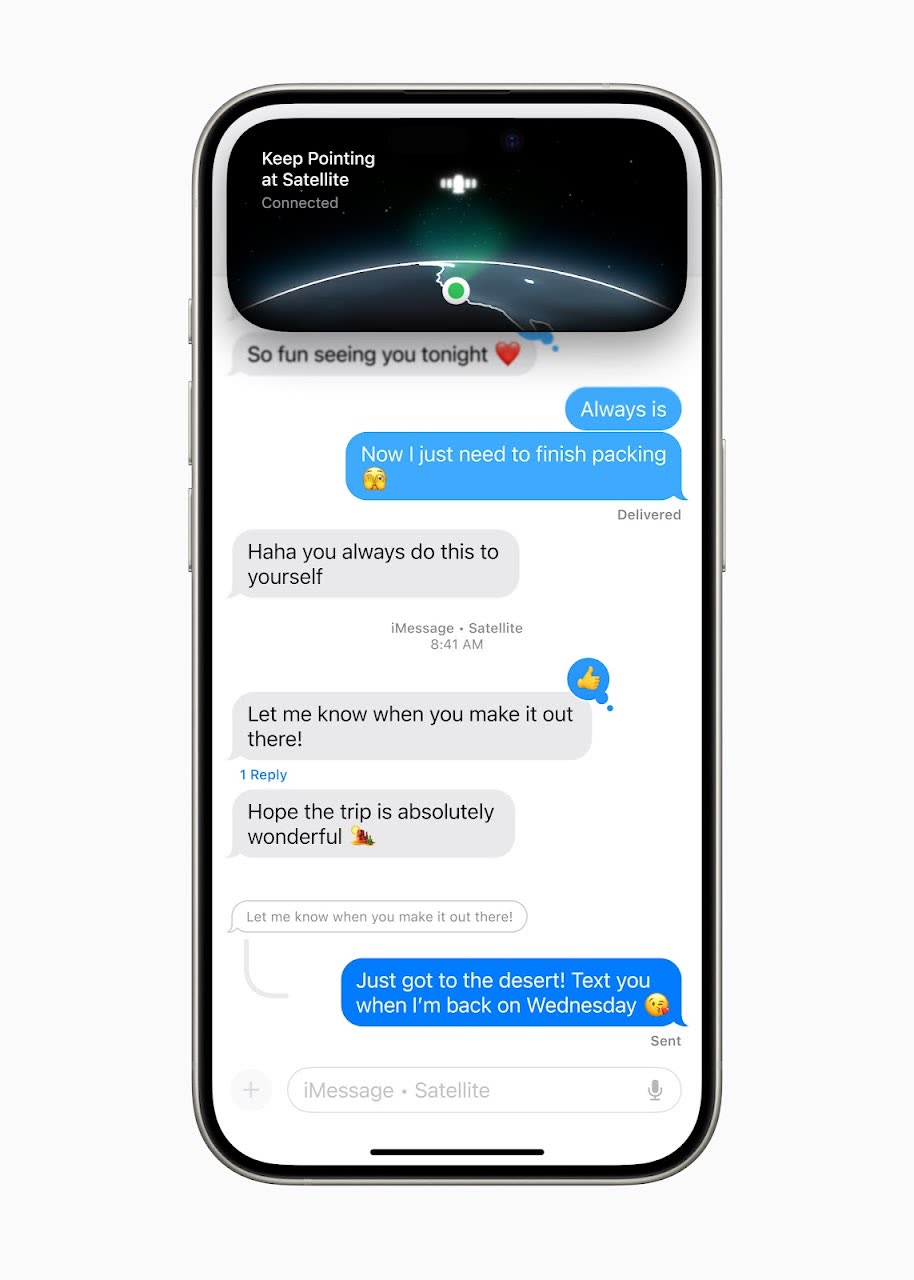
3. Better Messages
New text effects plus bold, underline and strikethrough. For the first time you can also send messages over satellite when you have no cellular or Wi-Fi signal.
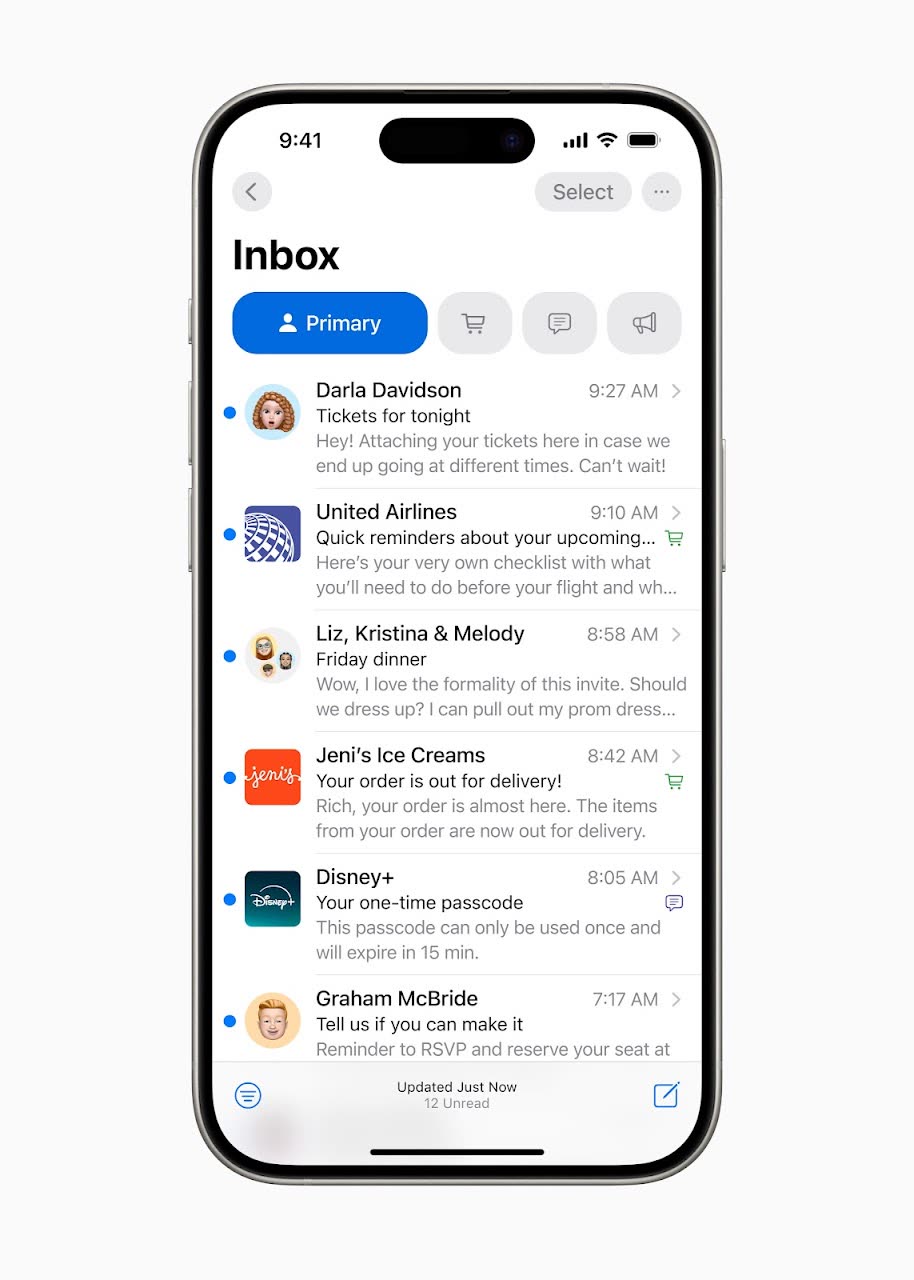
4. Smarter Mail
Mail sorts your email on the device into Primary, Transactions, Updates and Promotions, and a digest view groups all messages from one sender.
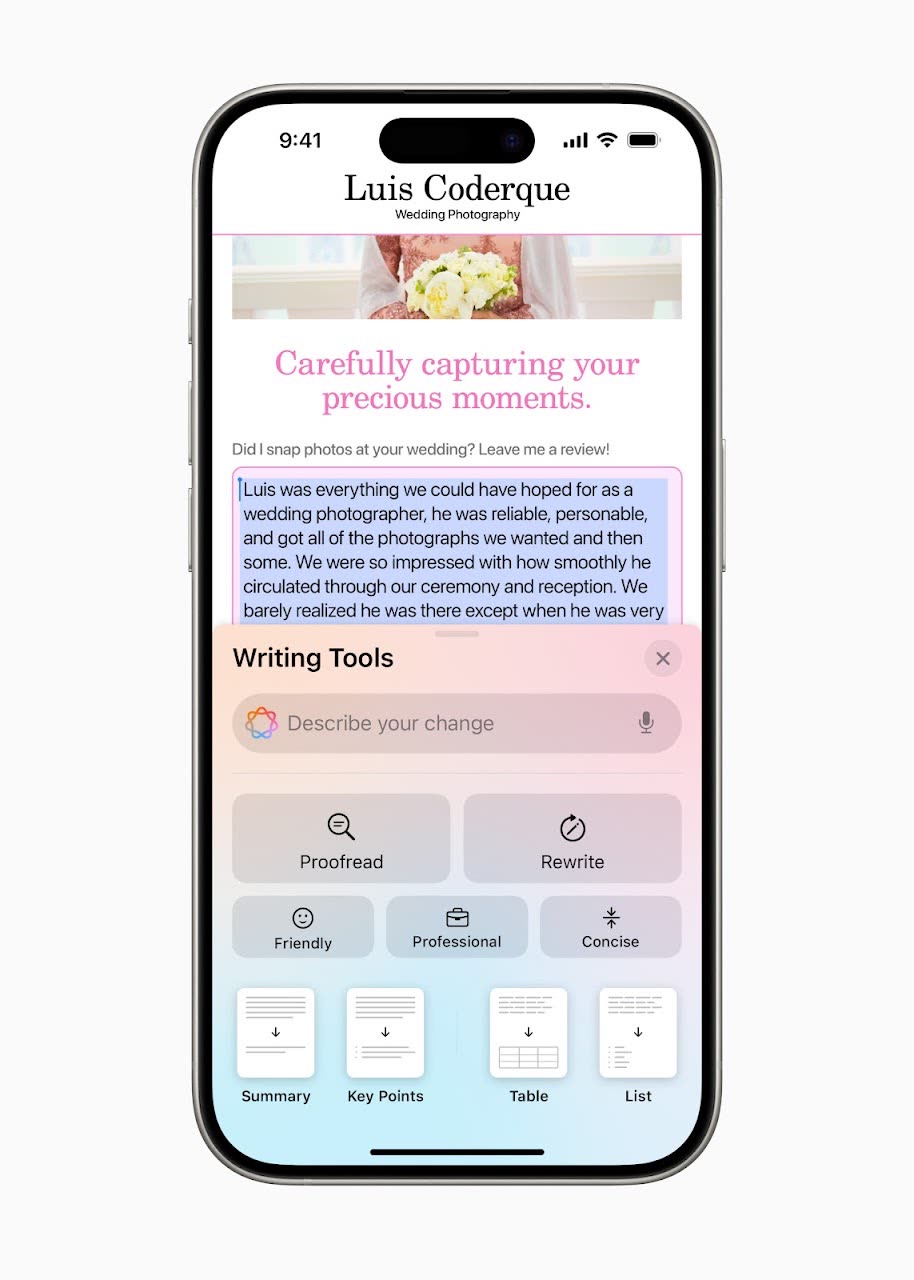
5. Apple Intelligence
The biggest change. Apple Intelligence combines generative models with your personal context: writing help in Mail and Notes, playful images with Image Playground, and more. It is built around privacy and does much of its processing on the device.
6. Safari and the new Passwords app
Safari gets Highlights, quick summaries and key information about a page, plus a cleaner Reader. The new Passwords app keeps passwords, passkeys and verification codes in one place and warns you about weak or reused passwords.
7. Privacy
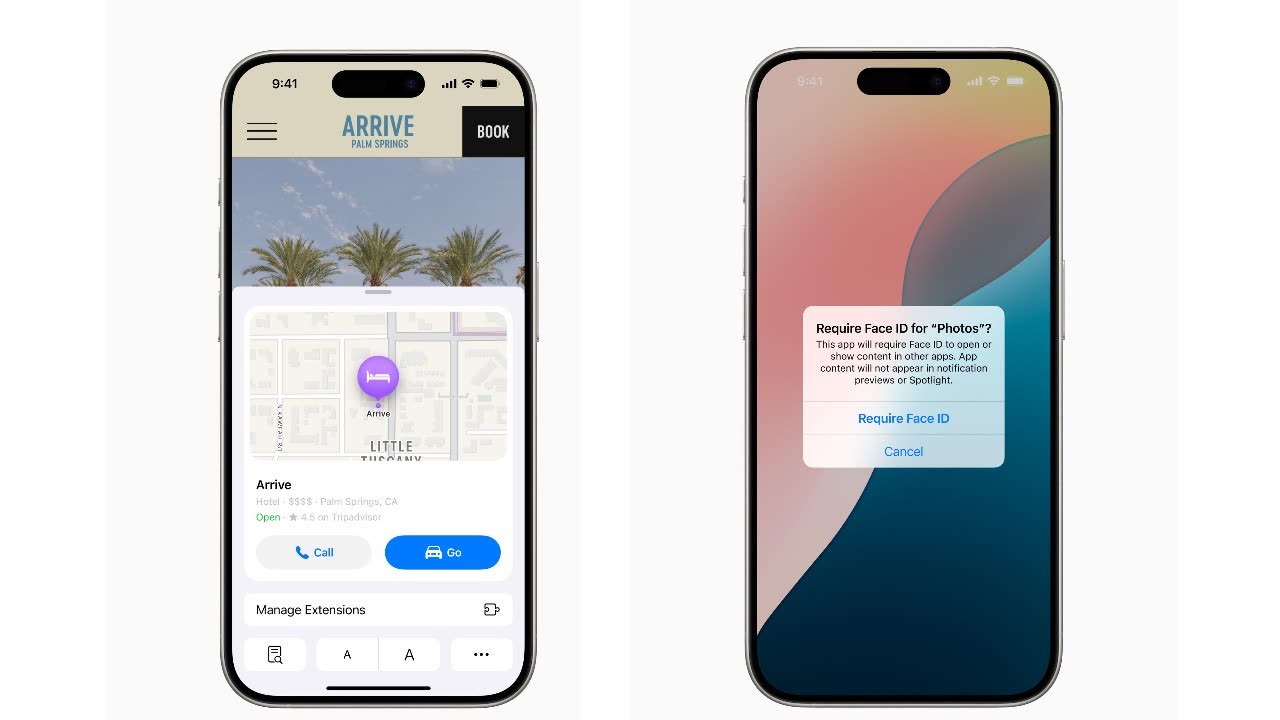
You can lock and hide apps, share only specific contacts with an app, and pair accessories more privately.
8. Maps and gaming
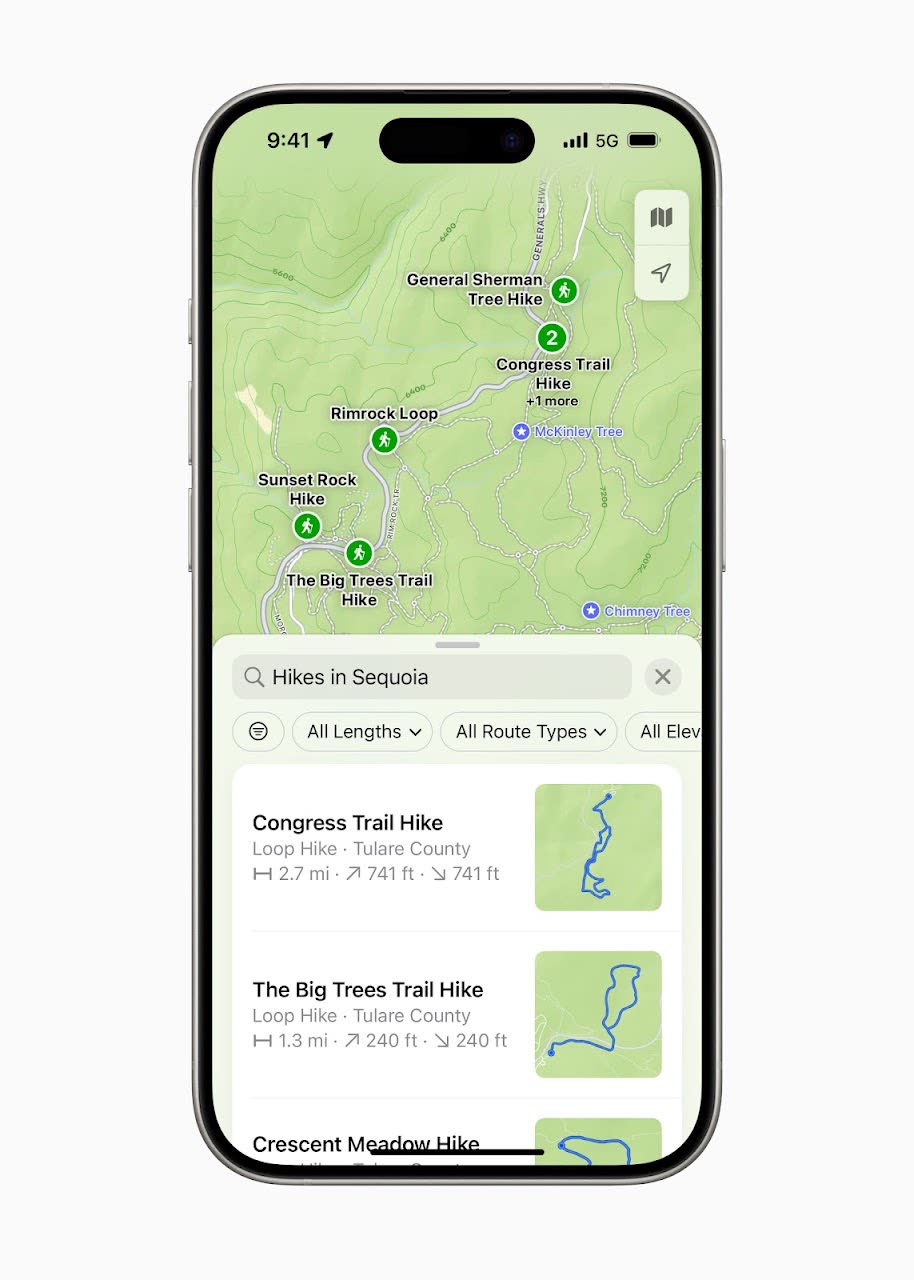
Apple Maps adds thousands of hikes in US national parks and lets you make custom walking routes. For gamers, Game Mode keeps frame rates steady and makes wireless controllers and AirPods more responsive.
9. AirPods
Answer Siri by nodding or shaking your head, get clearer calls with Voice Isolation, and enjoy Apple's lowest wireless audio latency yet for gaming.
10. Accessibility
Eye Tracking lets you control the iPhone with your eyes, and Music Haptics lets you feel music through vibrations.
First posted on my old blog in June 2024, the week of WWDC.
Written by Zibno, based on my video. Settings can change with game updates.