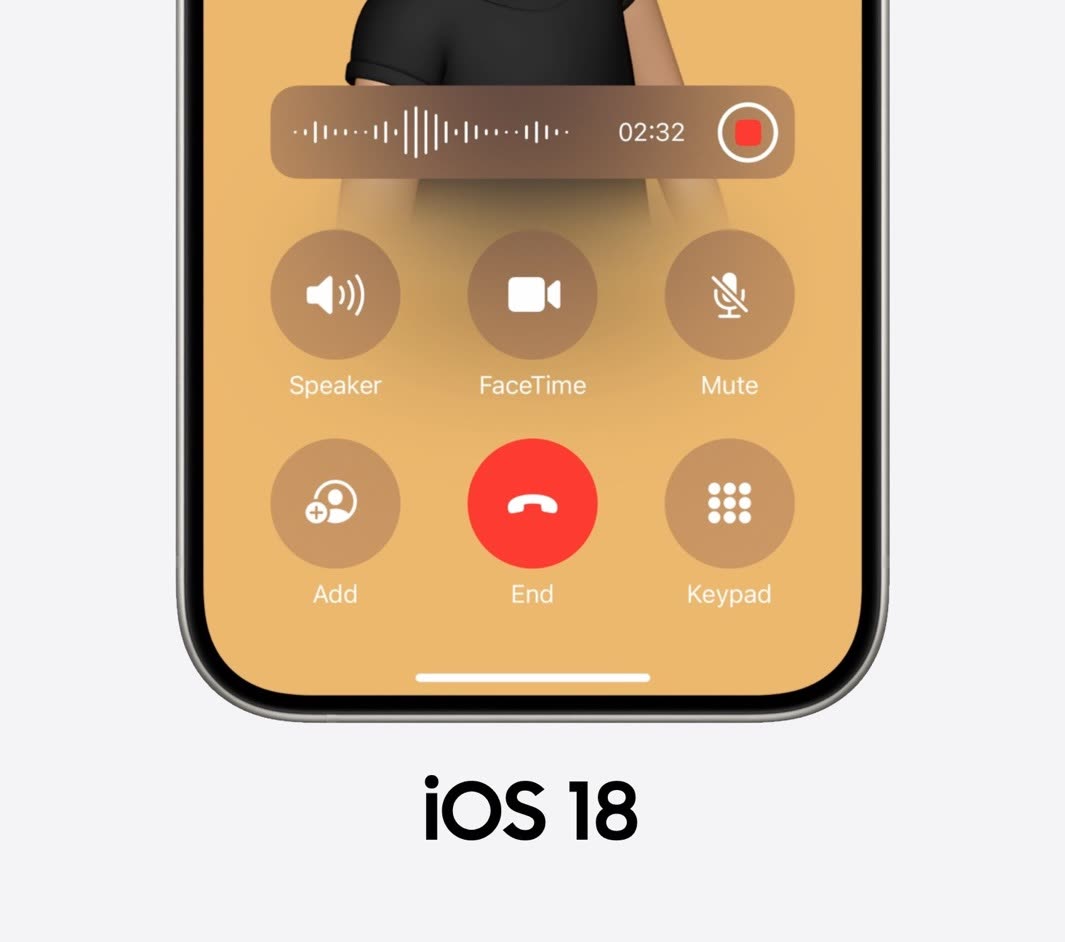
Call recording is one of the most requested features in iPhone history, and iOS 18 finally adds it. You can record phone calls right in the Phone app.
Key features
- Built in
- It is part of the Phone app, so you do not need a third-party app.
- Privacy and consent
- Everyone on the call is told that it is being recorded, to help with legal requirements in different countries.
- Storage
- Recordings are saved securely on the device. You can play, share or delete them.
- Transcription
- Recorded calls are transcribed automatically, which is handy for meetings, interviews and important calls.
- iCloud sync
- Recordings can sync through iCloud, so you can open them on your iPad or Mac and they stay backed up.
How to use it
- During a call, tap the record button on the call screen.
- Find your recordings and transcripts afterwards (they are saved to the Notes app), where you can play, share or delete them.
When it is useful
- Work: record meetings, interviews and client calls so you do not miss details, and share notes from the transcript.
- Personal: keep memories, document verbal agreements or remember important information.
Tip Call recording laws differ by country and state. The consent notice helps, but it is still your responsibility to follow the rules where you live.
First posted on my old blog in June 2024, after WWDC.
Written by Zibno, based on my video. Settings can change with game updates.