 By
Gyroscope aiming is the biggest single upgrade most mobile shooter players never try. Instead of dragging your thumb across the screen for every small correction, you tilt the phone and the crosshair follows. It feels strange for a day or two, and then it is hard to go back. This guide explains how it works, which settings to start with, and how to practise so it becomes second nature. It applies to almost every mobile shooter, including Valorant Mobile, Delta Force, High Energy Heroes, COD Mobile and PUBG Mobile.
What gyroscope aiming actually does
Every modern phone has a gyroscope, a sensor that measures how the phone is rotating. When gyro aiming is on, the game reads that rotation and turns your camera by the same amount. Tilt the top of the phone towards you and you look up. Turn the phone left like a steering wheel, or rotate it flat, depending on the game, and you look left.
The reason it helps is simple: your wrists can make much smaller, steadier movements than a thumb sliding on glass. A thumb swipe is great for big turns, but fine adjustments, like staying on a moving head or holding a rifle on target while it recoils, are where swiping struggles and gyro shines.
Gyro modes: which one to pick
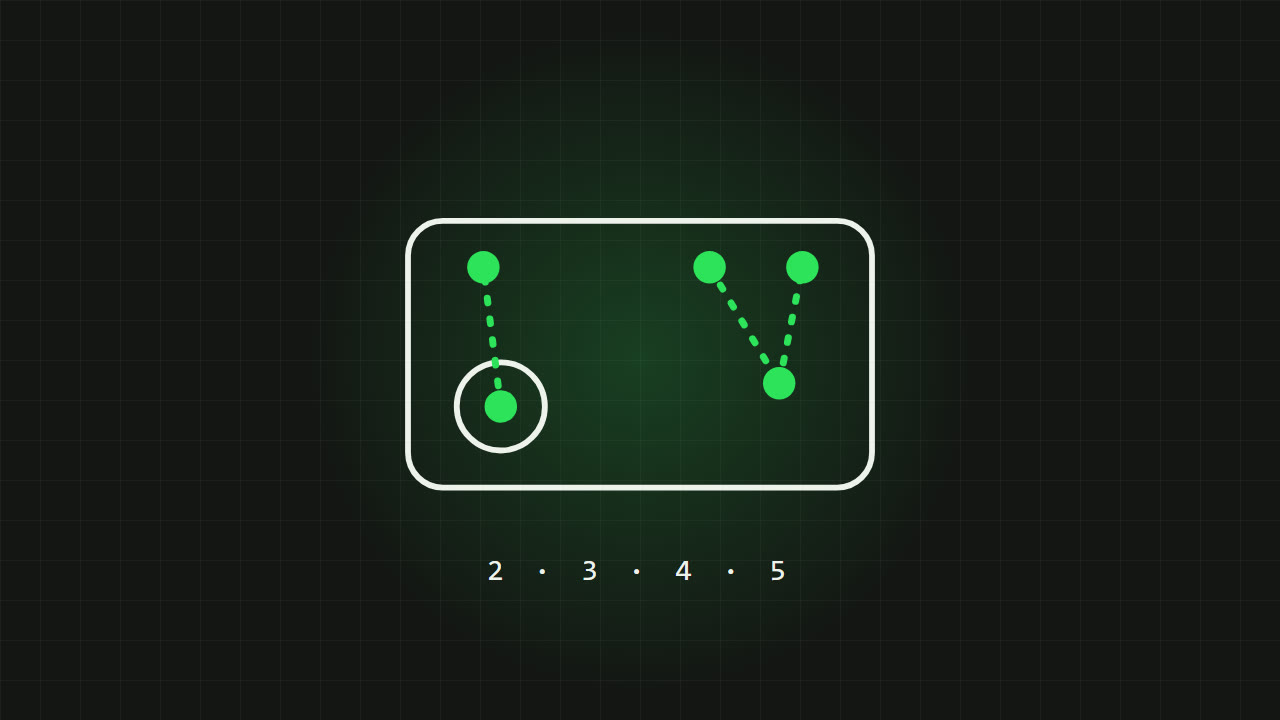
Most shooters offer the same few modes, sometimes with slightly different names:
- Off
- Aiming is swipe only.
- Scope only (ADS)
- Gyro works only while you aim down sights. Moving around feels exactly as before, and gyro only kicks in for the fight. This is the best mode to learn with.
- While firing
- Gyro is active only while the fire button is held, mainly to help with recoil.
- Always on
- Gyro works all the time, scoped or not. Most experienced gyro players end up here, because it lets them check corners and track enemies without touching the screen.
Tip Start with scope only for your first week. When you notice you want gyro outside the scope too, switch to always on.
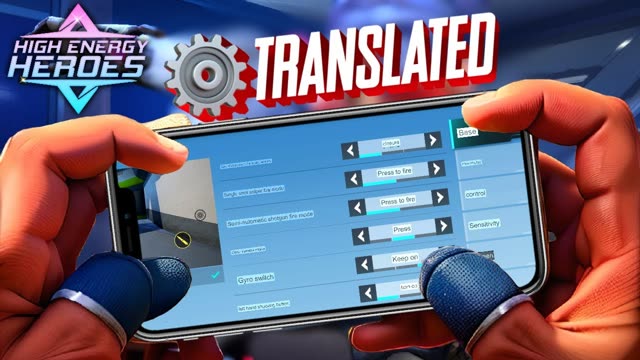
For the exact menu in each game, see how to turn on gyroscope in Valorant Mobile and the gyroscope section of High Energy Heroes settings in English.
How to hold your phone
Good gyro aim starts with a stable grip. Small, controlled wrist movements are the goal, so anything that makes your hands shake or forces your arms to move makes gyro worse.
- Rest your elbows on a table, your knees or the arms of a chair. Floating arms are the main cause of shaky gyro.
- Hold the phone at a comfortable angle, slightly tilted back, rather than perfectly upright. You need room to tilt in both directions.
- Move your wrists, not your whole arms. Think of small nudges, not big swings.
- Sit or lie in the same position each time you play. Gyro is about muscle memory, and a different posture changes the feel.
Many games let you choose which tilt controls horizontal aim: rotating the phone like a steering wheel, or turning it flat as if it were a compass. If your game has this option, try both for a few matches. Neither is better; pick whichever feels natural for the way you hold your phone.
Setting your gyro sensitivity
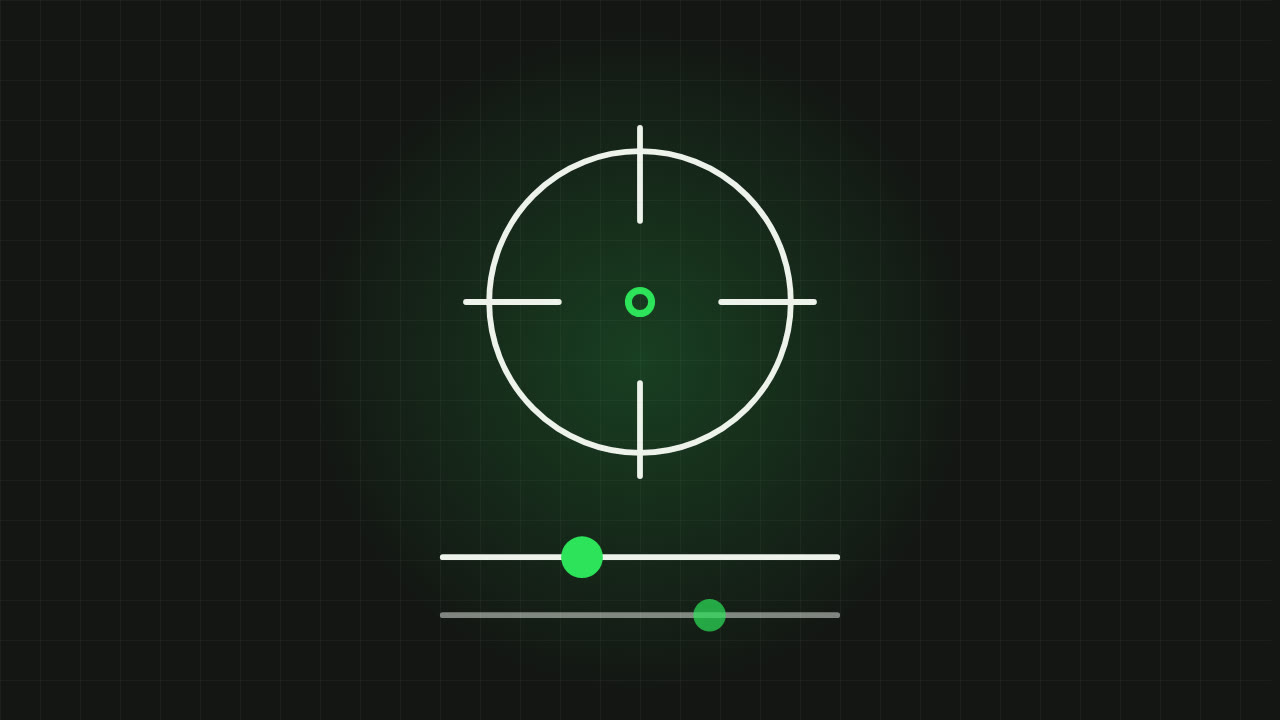
Gyro sensitivity decides how far the camera turns for each degree you tilt. Too high and the crosshair shakes with every heartbeat. Too low and you have to twist your wrists uncomfortably far.
- Start low. Shaky aim is almost always sensitivity that is too high.
- Go into the training ground and aim at a still target. If the crosshair wobbles while you hold steady, lower it.
- Track a moving target, or strafe left and right while keeping your aim on a still one. If you cannot keep up without big arm movements, raise it slightly.
- Change one value at a time and in small steps, then play a few matches before changing again.
- If your game has separate gyro sensitivity per scope, set the red dot first, then adjust the higher scopes so they feel similar.
Sensitivity is personal. Settings shared online were tuned for someone else's phone, grip and screen size, so use them as a rough starting point only. My sensitivity guide explains every type of sensitivity in more detail.
Swipe and gyro together
Gyro does not replace swiping. The strongest players use both at once:
- Big turns
- Swipe. Turning 180 degrees with your wrists alone is slow and uncomfortable.
- Fine aim
- Gyro. Small corrections, tracking a moving player and staying on a head.
- Recoil
- Gyro. Tilt the top of the phone slightly towards you to pull the gun down as it climbs, the same way a PC player pulls the mouse down.
Practice drills for your first week
Five to ten minutes in the training ground before you play is enough. Do these in order:
- Still targets: snap to a target with a swipe, then use gyro to settle precisely on the head. Repeat across different distances.
- Tracking: strafe left and right while keeping your aim on one target using only gyro.
- Recoil: spray a rifle at a wall and use gyro to keep the bullet holes in a tight group.
- Movement: run between cover while checking corners with gyro instead of your thumb.
Tip Expect to play worse for a few days. Almost everyone does when switching to gyro. Stick with it for at least a week before deciding whether it is for you.
Common gyro problems and fixes
- The crosshair drifts on its own
- Your gyroscope may need recalibrating. Many games have a calibrate button in the gyro settings: place the phone flat on a table and press it. Restarting the phone can also help.
- Aim is shaky
- Lower the gyro sensitivity and rest your elbows.
- Gyro feels slow to respond
- Close background apps and play at a higher, steady frame rate. Gyro feels smoother at higher FPS. See how to fix lag and FPS drops.
- Playing in a car or bus
- Turn gyro off or to scope only. Vehicle movement moves your aim.
- Gyro does not work at all
- Check that your phone has a gyroscope (almost every modern phone does) and that the game's gyro option is on.
FAQ
Is gyroscope better than swiping in mobile shooters?
For fine aim and recoil control, yes. Most top mobile players use gyro together with swiping: swipe for big turns, gyro for precision.
Which gyro mode should beginners use?
Scope only. Gyro then works only while aiming down sights, so moving around feels the same while you learn.
Why is my gyro aim shaky?
Usually the sensitivity is too high or your arms are not supported. Lower the gyro sensitivity and rest your elbows on something.
How long does it take to get used to gyro?
Most players feel comfortable after about a week of short daily practice.
Written by Zibno. Menu names differ between games, so look for the closest option in yours.