 By
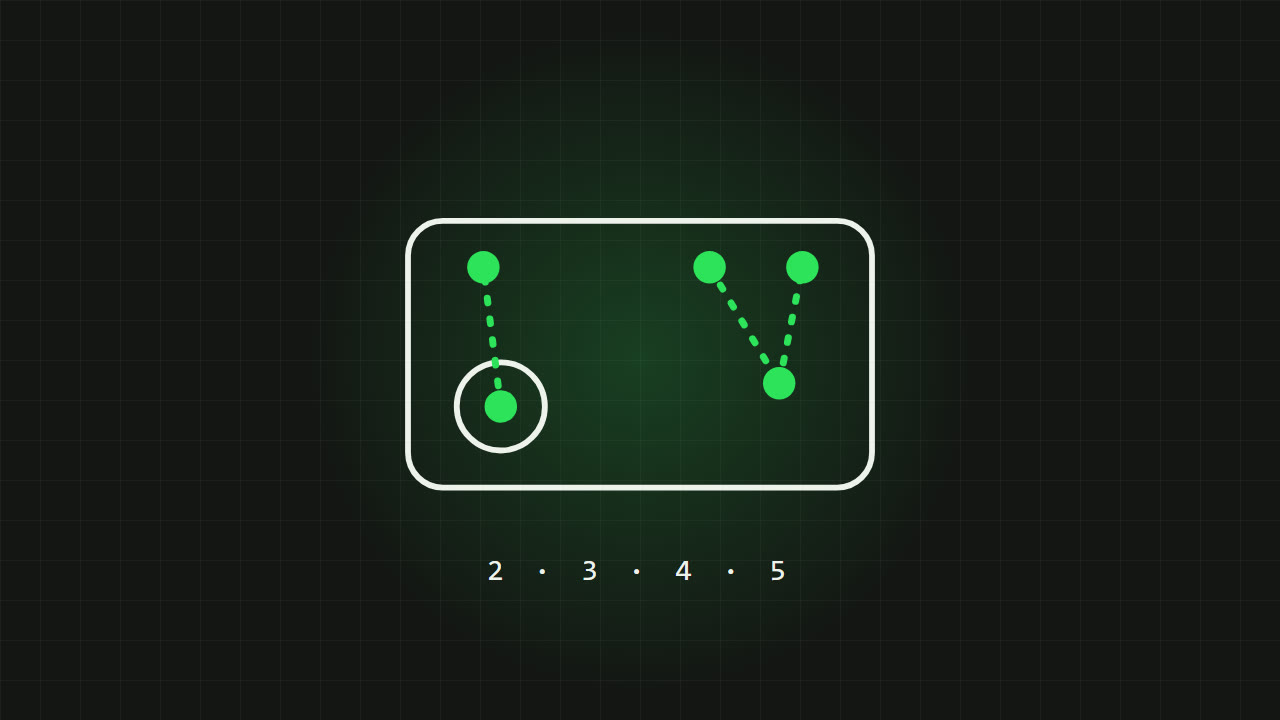
When mobile players talk about "3-finger" or "4-finger claw", they mean how many fingers touch the screen while they play. More fingers means you can move, aim, jump and shoot at the same time, which is a huge advantage in close fights. It also takes time to learn. This guide explains each setup, where the buttons go, and how to move up a level without wrecking your aim.
Why the number of fingers matters
With only your thumbs, your right thumb has to do everything on the right side of the screen: aim, shoot, jump, crouch and reload. It cannot aim while it is pressing jump. Every extra finger takes a job away from your thumbs, so you can keep aiming while doing something else.
2 fingers (thumbs)
Left thumb on the joystick, right thumb for aiming and every button. This is how almost everyone starts.
- Good for
- Beginners, casual play, small phones, and playing while holding the phone loosely.
- Weakness
- You cannot aim and press another button at the same time. Jump-shots and crouch-spam during fights are nearly impossible.
- Settings that help
- Turn on fire-when-scoping or one-tap scope and fire, and a fire button that also turns the camera. Many games offer these, often called smart fire or fire button rotation.
Valorant Mobile has a full set of these options, see the fire button fix and smart fire in Valorant Mobile basic settings.
3 fingers
Thumbs as before, plus your left index finger on the top left of the screen. That finger usually handles fire, so your right thumb can aim while you shoot. Some players put jump or crouch there instead.
- Good for
- The best first step up. Shooting while aiming is the biggest improvement you can make.
- Button placement
- A second fire button in the top left corner, where your left index finger rests naturally.
- Weakness
- Jumping or crouching still takes your right thumb off the aim.
4 fingers (claw)
Both index fingers on the top of the screen. A common layout is fire on the top left, and jump and crouch on the top right. Your thumbs stay on movement and aim the whole time.
- Good for
- Competitive play. You can strafe, aim, shoot, jump and crouch at once, which is what wins close fights.
- Button placement
- Left index: fire (and sometimes scope). Right index: jump and crouch, close together so you can slide between them.
- Weakness
- It takes one to two weeks to feel natural, and your hands can get tired at first.
It pairs very well with gyroscope aiming, because your right thumb is free to make big swipes while gyro does the fine work. See the gyroscope guide.
5 and 6 fingers
Some players add a middle finger for extra buttons, such as scope, lean or abilities. It gives the most control, but most players never need it, and it only works well on larger phones and tablets. Master 4 fingers first.
How to switch to more fingers
- Start from the game's built-in preset for the setup you want, if it has one. Most shooters offer 2-, 3- and 4-finger presets in the HUD or layout settings.
- Move one button at a time to where your finger rests naturally. Do not copy someone else's layout exactly; their hands and phone are different.
- Make the top buttons larger than the default and keep them away from the very edge of the screen, so you hit them without looking.
- Practise in the training ground: strafe, jump and shoot at the same time for a few minutes each day.
- Play casual modes for a week before using the new layout in ranked.
Tip Save your old layout before you change it. Most games have layout slots, so you can switch back if you need to win a ranked match while you are still learning.
Common layout mistakes
- Buttons too small. Bigger targets mean fewer missed presses in a panic.
- Buttons too close to the edge, where a phone case or curved screen makes touches unreliable.
- Overlapping buttons, so one press triggers the wrong action.
- Changing the layout every day. Muscle memory needs the buttons to stay in the same place.
- Forgetting other modes. Many games keep separate layouts per mode, so copy your layout to each one.
Which setup should you use?
- New to mobile shooters
- 2 fingers with smart fire options on.
- Playing regularly and want to improve
- 3 fingers, with fire on the left index finger.
- Competitive or ranked
- 4 fingers, ideally with gyroscope.
- Tablet player
- 4 or more fingers. The bigger screen leaves room for more buttons.
FAQ
What does 4-finger claw mean?
Playing with both thumbs and both index fingers on the screen. The index fingers sit on the top of the screen for buttons like fire, jump and crouch.
Is 3 or 4 fingers better?
4 fingers gives more control because you can jump and crouch without taking your thumb off the aim, but 3 fingers is easier to learn and already a big improvement over thumbs.
How long does it take to learn 4-finger claw?
Usually one to two weeks of regular play before it feels natural.
Do I need a big phone for claw?
No, but it helps. On small phones keep buttons large and spaced out so your fingers do not cover each other.
Written by Zibno. Menu names differ between games, so look for the closest option in yours.