 By
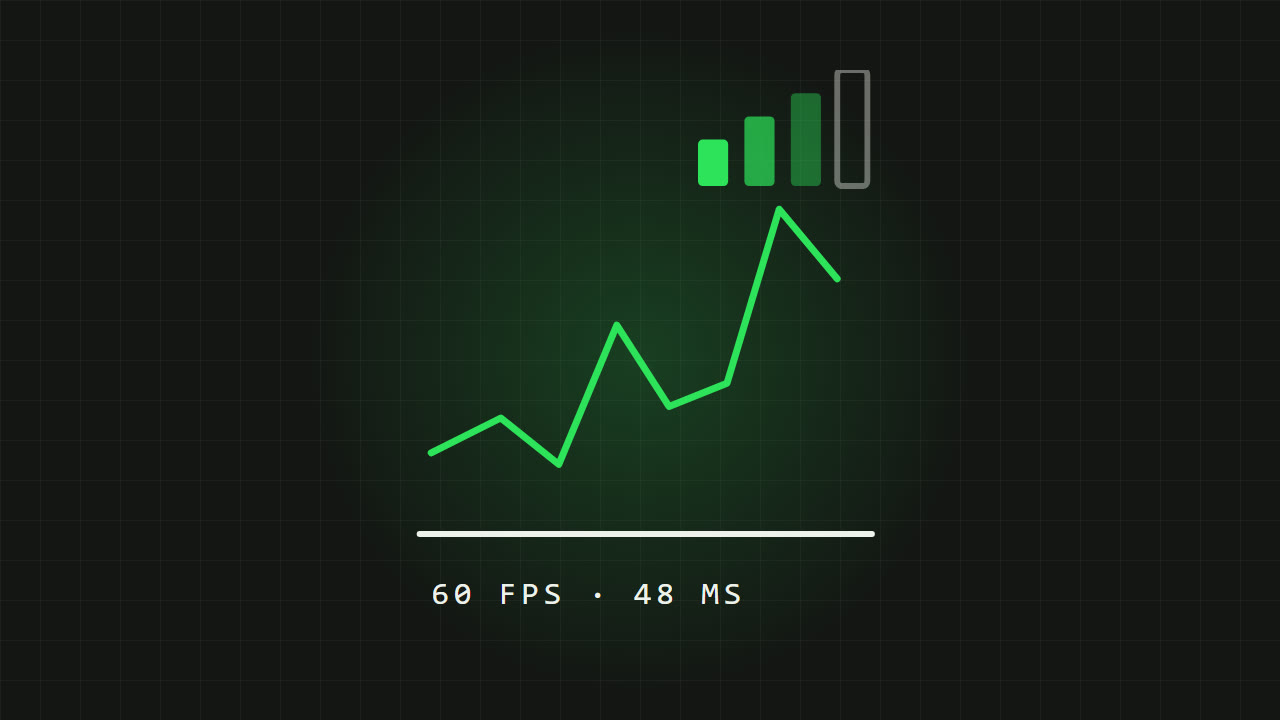
"Lag" is used for two very different problems. One is your phone struggling to draw the game, which shows up as stutter and low FPS. The other is your connection to the server, which shows up as rubber-banding and shots that do not register. They have different causes and different fixes, so the first step is working out which one you have.
FPS drops or network lag? How to tell
- FPS drops (your phone)
- The whole picture stutters or feels choppy, especially in big fights, smoke and explosions. Turning the camera feels juddery. It often gets worse after 15 to 30 minutes as the phone heats up.
- Network lag (your connection)
- The picture is smooth, but players teleport, you get pulled back to where you were, doors and pickups react late, or you die behind cover.
- Packet loss
- Short freezes and sudden jumps, even when your ping number looks fine.
Tip Most shooters can show FPS and ping on screen. Look for a frame rate or network display option in the graphics or basic settings and turn both on while you troubleshoot.
Fixing FPS drops
Get the graphics settings right
- A steady frame rate matters more than the highest frame rate. A locked 60 FPS feels better than a frame rate that jumps between 90 and 50.
- Pick the highest frame rate your phone can hold steadily, then lower graphics quality until the FPS stops dropping in fights.
- Shadows, anti-aliasing and effects quality are usually the heaviest settings. Lower these first.
- If the game has an automatic or recommended mode, try it. In Valorant Mobile that is Pure Focus mode, see its graphics settings.
- High frame rate options only appear on phones the game supports. If an option is missing, your phone is not on the list yet.
Stop your phone overheating
When a phone gets hot, it slows its processor down to protect itself. That is the most common reason a game runs fine at first and then starts stuttering.
- Take off thick cases while you play. They trap heat.
- Avoid playing while charging if you can. Charging adds a lot of heat.
- Do not play in direct sun or under a blanket.
- Lower the frame rate or graphics a step. Less work means less heat.
- Lower screen brightness a little; the display is a big heat source.
- A clip-on phone cooler with a fan can help a lot during long sessions.
Free up the phone
- Close background apps, especially video, music streaming with visuals, and anything downloading.
- Turn off battery saver or low power mode while playing. It limits performance.
- Keep some free storage. A nearly full phone can slow down.
- Restart your phone before a long session.
- Keep the game and your phone software updated.
Fixing network lag and high ping
Wi-Fi
- Use the 5 GHz Wi-Fi band if your router has one and you are close to it. It is usually faster and less crowded than 2.4 GHz.
- Move closer to the router, or remove walls between you and it.
- Stop downloads, streaming and video calls on other devices in the house while you play.
- Restart the router if your ping suddenly gets worse.
Mobile data
- A strong mobile data signal can be more stable than weak Wi-Fi. If Wi-Fi is poor, try switching.
- Check you have a strong signal. Fewer bars usually means higher ping and packet loss.
- Turn off Wi-Fi when using mobile data so the phone does not keep switching between them.
Server distance
Ping is mostly about distance. The further the game server is from you, the higher your ping, and no setting on your phone can change that. Always pick the server region closest to you when the game lets you choose.
This matters a lot for China-only versions of games, whose servers are in mainland China. Playing them from far away means high ping, which is why many players use a game booster or accelerator app to route their connection. If you use one, pick a well-known one and read its terms. I explain this for Valorant Mobile in how to play Valorant Mobile China from outside China.
What counts as good ping?
- Under 50 ms
- Excellent. You will not notice any delay.
- 50 to 100 ms
- Fine for most players, with slight delay in close fights.
- 100 to 150 ms
- Noticeable. Peeking and close fights start to feel unfair.
- Over 150 ms
- Hard to play competitively. Look for a closer server or a better connection.
Quick checklist before you play
- Phone charged, case off, not plugged in if possible.
- Background apps closed, battery saver off.
- Wi-Fi on 5 GHz near the router, or strong mobile data.
- Closest server region selected.
- FPS and ping display on, so you can see what is wrong if it happens.
FAQ
Why does my game lag after 20 minutes?
Almost always overheating. The phone slows down as it gets hot. Remove the case, stop charging while playing, and lower the graphics a step.
Is Wi-Fi or mobile data better for gaming?
Good 5 GHz Wi-Fi near the router is usually best. A strong mobile data signal can beat weak Wi-Fi.
What is a good ping for mobile shooters?
Under 50 ms is excellent and under 100 ms is fine for most players. Above 150 ms makes competitive play hard.
Does higher FPS use more battery?
Yes. Higher frame rates and graphics make the phone work harder, which uses more battery and creates more heat.
Written by Zibno. Menu names differ between games, so look for the closest option in yours.